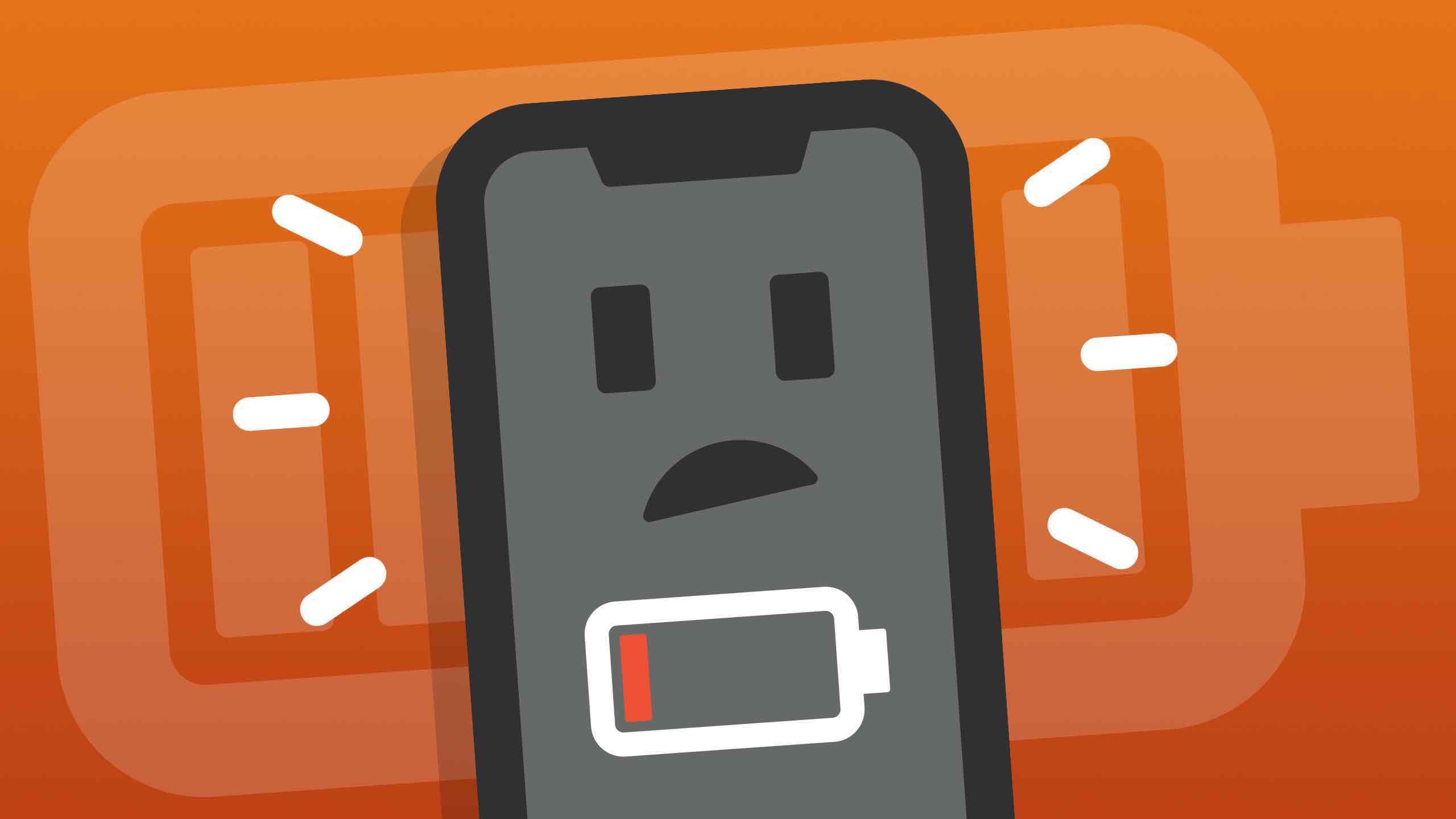
When your phone starts losing power quickly, most people assume the same thing:
“My battery must be dying.”
But in today’s smartphone era, that assumption is often wrong.
Modern batteries are designed to last years, and unless your device is extremely old, the battery itself is usually not the real problem.
Instead, the real causes of rapid battery drain lie in hidden software processes, background data activity, poorly optimized apps, and system behaviors that quietly consume power—without you ever noticing.
If your phone dies before the day ends, here’s what’s actually happening inside your device, why it drains fast even when unused, and what you can do to fix it.
1. The Biggest Culprit: Background Apps You Never See
Many apps don’t stop working when you close them.
They continue running “in the background,” syncing data, refreshing content, sending notifications, and checking updates.
Apps most guilty of background drain
-
Social media apps (TikTok, Instagram, Snapchat)
-
Messaging apps with constant sync
-
Navigation apps
-
Shopping apps with real-time price alerts
-
Weather and news widgets
-
Email apps set to push mode
Why this drains so much battery
Each background refresh triggers:
-
CPU activity
-
data transfer
-
location checks
-
push server communication
One study from a major Android OEM found that TikTok and Instagram can use up to 35% of daily battery consumption even when not actively used.
It’s not the battery.
It’s the apps living inside it.
2. Location Services: The Silent Power Killer
Your phone constantly tracks your location unless you manually restrict it.
Even harmless apps—like photo editors, shopping apps, or games—may request your location every few minutes.
Why apps track your location
Because location data helps them:
-
send targeted ads
-
calculate “local” suggestions
-
track user behavior
-
build data profiles
Even if you disable GPS, apps may still use:
-
Wi-Fi scanning
-
Bluetooth
-
cell tower triangulation
This means you’re sharing your location and draining your battery without realizing it.
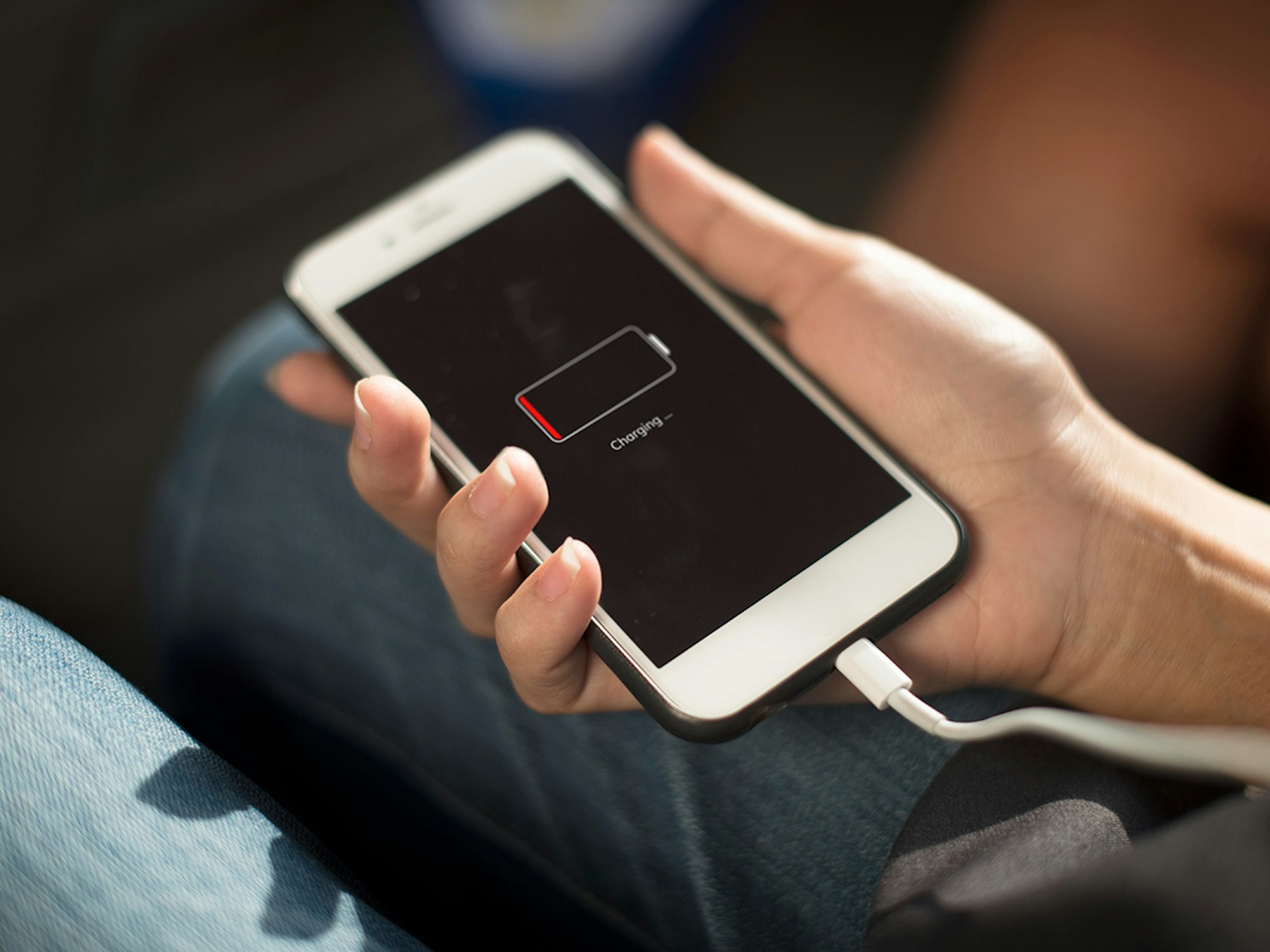
3. System Aging and Updates: New Software, Old Hardware
When your phone installs a new system update, it optimizes the system for features that weren’t there before.
The phone becomes more powerful in software—but your hardware stays the same.
Examples
-
More AI features
-
Higher security encryption
-
New animation frameworks
-
Bigger background tasks
-
Advanced camera processing
These improvements require more power.
So even with the same usage habits, your phone drains faster because the system is working harder than before.
4. 5G and Weak Signal: The Hidden Drain Nobody Talks About
Your battery drains fastest when:
-
the signal is weak
-
your phone constantly switches between 4G and 5G
-
you are in elevators, malls, basements, parking garages
-
you keep mobile data turned on in unstable areas
Why weak signal destroys battery
When signal strength is low, your device increases power to the antenna to maintain connection.
This can drain 10–25% of your battery per hour even when doing nothing.
In tests by independent labs, phones in low-signal areas drained battery 3x faster than those with strong coverage.
5. Notifications and Push Services: Death by a Thousand Alerts
Every notification triggers:
-
CPU wake-up
-
screen lighting
-
sound/vibration motor
If you receive 200 notifications per day (common for social media and messaging apps), your phone wakes up 200 times—even if the alert lasts less than a second.
Multiply that across multiple apps, and the power loss becomes massive.
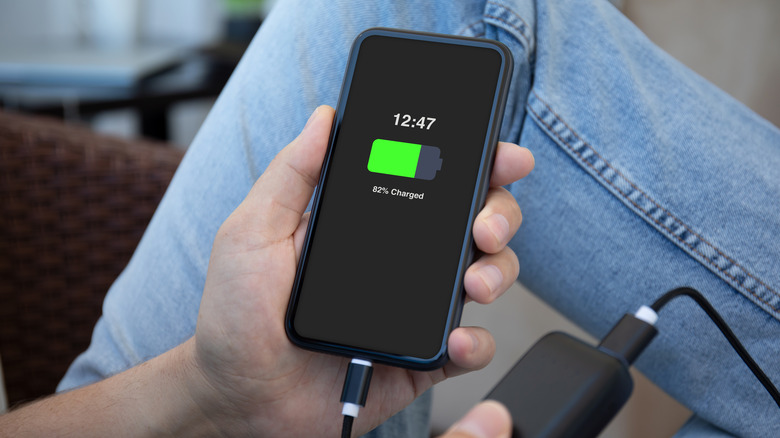
6. Overuse of Widgets, Live Wallpapers, and Visual Effects
People love live wallpapers, animated lock screens, and interactive widgets—but they forget that these features consume constant power.
Why they drain battery
-
They redraw animations every second
-
They refresh data every few minutes
-
They require constant GPU rendering
Even a single weather widget can refresh 40–60 times per day.
7. Battery Health Isn’t the Real Problem—Battery Temperature Is
Your battery health number rarely drops rapidly.
But battery temperature changes constantly and has a much bigger impact on how fast your battery drains.
Heat sources that speed up drain
-
gaming
-
video calls
-
charging while using
-
direct sunlight
-
using GPS navigation
-
background app overload
Heat accelerates chemical reactions inside the battery, causing:
-
faster power loss
-
shorter daily battery life
-
long-term capacity damage
In fact, heat—not battery age—is often the true cause of sudden battery drain.
8. Cheap Charging Cables and Fast Chargers Reduce Efficiency
Low-quality charging accessories cause:
-
inconsistent voltage
-
inefficient charging
-
added heat
-
micro-damage to battery cells
This reduces battery endurance over time, making it seem like the battery is dying—when the real cause is poor charging habits.
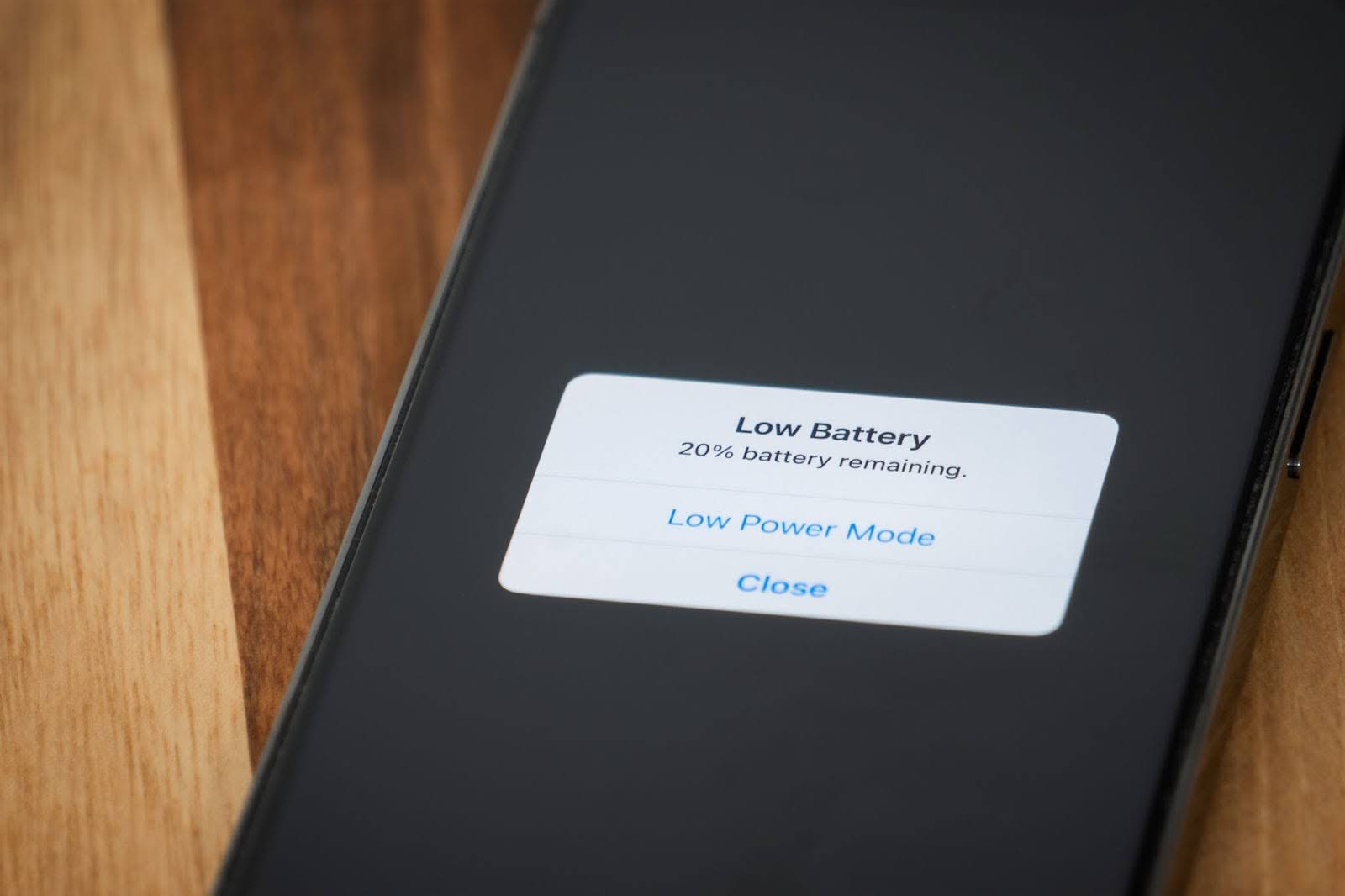
How to Fix Fast Battery Drain (Actionable Steps)
Here are the most effective solutions based on industry testing:
✔ Limit background refresh for social apps
Turn off background activity for apps you don’t need constantly.
✔ Disable location access for non-essential apps
Set most apps to “While Using” or “Never.”
✔ Turn off 5G in weak-signal areas
Lock to 4G/LTE when necessary.
✔ Reduce notifications
Turn off non-essential alerts entirely.
✔ Remove live wallpapers and extra widgets
Simplify your home screen.
✔ Check battery usage reports weekly
Identify which apps consistently drain power.
✔ Avoid charging while gaming or streaming
Reduce heat exposure dramatically.
**Final Thought
Fast battery drain isn’t a hardware problem—it’s a lifestyle problem inside your phone.**
Most people think they need a new battery when what they actually need is:
-
smarter settings
-
fewer background processes
-
better signal conditions
-
lower heat exposure
When you understand the real causes, you can instantly extend your battery life without replacing anything.